Case study
Acogas.pe Case Study — Faster site, safer deploys, more Google visibility
Servers, publishing & search visibility · 2026
I took care of the servers, the publish process, and the search-engine side of acogas.pe — so the site stays online, updates do not break it, and people can actually find it on Google. Organic views passed 10,000 impressions.
Overview
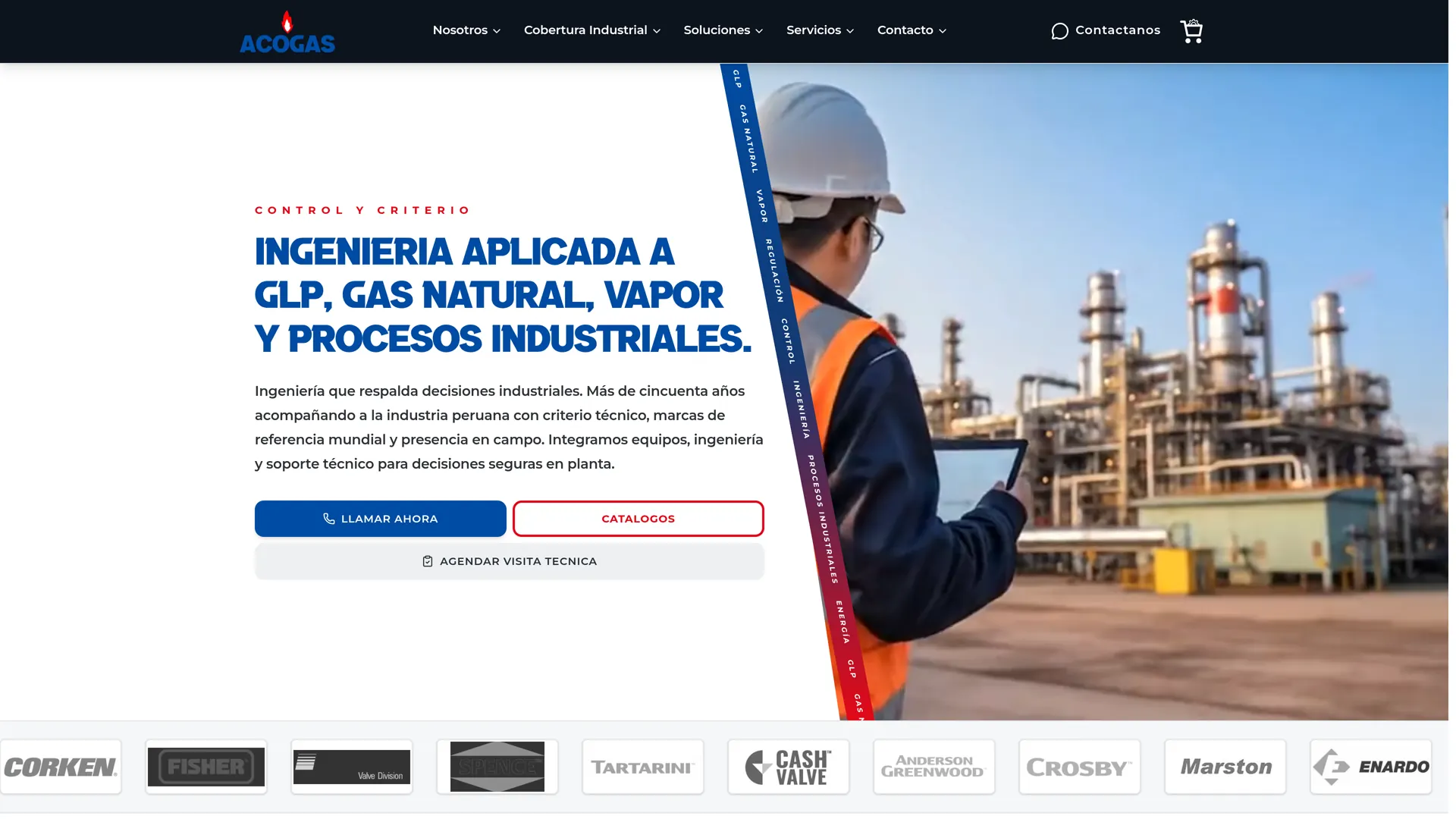
Acogas.pe was already a live marketing site, not a demo. The job was to make the setup boring in a good way: updates you can trust, a security layer in front of the site, and pages Google can read. I owned the infrastructure (the servers and how the site is published) and the technical SEO on top of that.
The public site runs on WordPress, the tool the content team already knew. Updates go out through Coolify on a Linux server we rent (a VPS at DonWeb). Cloudflare sits in front: it handles the web address, encryption, and a first line of defense. That mix is common on real sites in LATAM. It is less common in portfolios that assume everything lives on Vercel.
We measured success in Search Console: how often the site appeared in Google (impressions) passed 10,000 on a short timeline, with better positions on searches that bring real customers. Those numbers only stick if the site stays fast, readable by Google, and easy to update without a crisis.
The Challenge
A WordPress marketing site often fails quietly. Plugins fight each other. The server is slow, so phones wait too long. The domain settings live in a panel nobody fully owns. Publishing means copying files by hand (FTP) and hoping. When Google’s crawler arrives, it might get a timeout, a different page than visitors see, or a maze of leftover URLs that waste crawl time.
Moving everything to a trendy hosted platform can look cleaner in a screenshot and worse in production: you cannot SSH in when something breaks, file uploads hit a wall, and the next person cannot explain the setup. Acogas needed a real server that a small team could still operate.
The SEO problem was not “write more blog posts.” It was: can Google fetch the pages, are they fast on a phone, and does publishing a plugin update undo last month’s work? Technical SEO without a safe way to deploy is a weekend of fixes you will repeat.
What I Built
I set up and automated how the site goes from code to the live server with Coolify. Coolify is like a small control panel for apps on your own machine: environments, HTTPS certificates, and rollouts — without giving up the Linux server. That matters for WordPress. You still have the files, scheduled jobs, and server cache, but you are not dragging folders over FTP.
Cloudflare sits in front. It is the front door: the domain name (DNS), the padlock (TLS), filtering junk traffic, and cache rules that do not accidentally store the WordPress admin or logged-in pages. WordPress stays the origin — the real site. Getting that split wrong is how you show Google an old page or cache something private.
On WordPress I focused on what the server does on each visit: database work, what can be cached, what should never appear in Google, and templates that do not ship unused CSS and scripts to phones. Technical SEO here is the HTML, the status codes, the canonical URL (the official address of a page), a clean sitemap, and Core Web Vitals — not a keyword list pasted into a plugin.
Results
How often the site showed up in Google (organic impressions) passed 10,000 on an accelerated timeline. Rankings improved on searches where someone is ready to act, which is the outcome a business site should care about. The team can still log into the server, roll back a bad update, and explain the setup.
Publishing stopped being folklore. Coolify made the path from git to the live site repeatable. Cloudflare made the domain and the front-door rules visible instead of buried in a registrar. WordPress stayed the CMS the content team already knew. Forcing a CMS migration “because it is modern” usually dies in a meeting.
The live proof is acogas.pe — not a staging clone. Infrastructure on a marketing site has worked when nobody has to talk about infrastructure every week, and Search Console no longer looks like a crime scene.
Process
Order of work: make the server healthy, then the front door (Cloudflare), then the on-page rules Google follows, then improve phone speed with real user data. Doing it backwards is how you polish a theme while the server still times out.
I kept each change reversible. Pipeline first, then cache rules, then theme and plugin cuts. Each step had a way back. That is the difference between a DevOps story and a site that still ranks after the next content drop.
FAQ
Why a Linux server with Coolify instead of a big hosted platform?
WordPress needs real files, scheduled jobs, and control of the server. Coolify on a VPS (a rented Linux machine) lets us publish from git without hiding SSH or running out of disk for uploads. For this site, being able to operate it beat a prettier dashboard.
How do Cloudflare and WordPress work together?
Cloudflare is the front door: domain, padlock, and traffic filtering. WordPress is the actual site. Cache rules skip the admin and personal pages so visitors and Google get the same fast HTML — without storing a private screen or an old official URL. The edge and the CMS have to agree on what can be cached.
What actually moved Google impressions past 10,000?
Pages Google can read, honest status codes and canonical URLs, a clean sitemap, and decent speed on phones — on a server that does not time out when crawled. Content still matters, but impressions do not move if Google waits four seconds or hits a wall of junk URLs.
How did you update a live site without breaking it?
A Coolify publish path you can repeat, plus changes in an order that can be undone (cache separate from theme). No FTP folklore. If a release hurts speed or HTML, the way back is the same as the way forward.
What would you copy on the next similar project?
A VPS plus Coolify for the origin, Cloudflare for the domain and front door, WordPress as the CMS only after the server is fast and crawlable. Then lock templates and plugins so a content edit cannot silently undo the speed work. Same sequence, different domain.